Trusted by freelancers, small businesses & individuals who are done losing receipts
Up to 95% AI accuracy
On-device privacy
CSV export free · Excel & PDF on paid
Multi-page scanning
Works offline
Auto-categorized
Why people switch
Every other receipt app has the same problem
We read thousands of user reviews across every major competitor. Here's what people are tired of and what APODIX does instead.
😤
Apps that misread totals and merchant names
You scan a $54.50 receipt from Berghotel and the app extracts "$0.00 from Coverage Details Applet." Then you fix it manually. Every. Single. Time.
✨
APODIX reads it right the first time
AI trained on real receipts across dozens of formats, currencies, and languages. Swiss CHF, European dates, thermal fading it handles all of it.
💸
$30+/month for tools built for accountants
Dext starts at $30/month. Expensify charges per user. QuickBooks buries scanning inside a product that's overkill if you just want to track receipts.
🎯
Simple pricing. Built for real people.
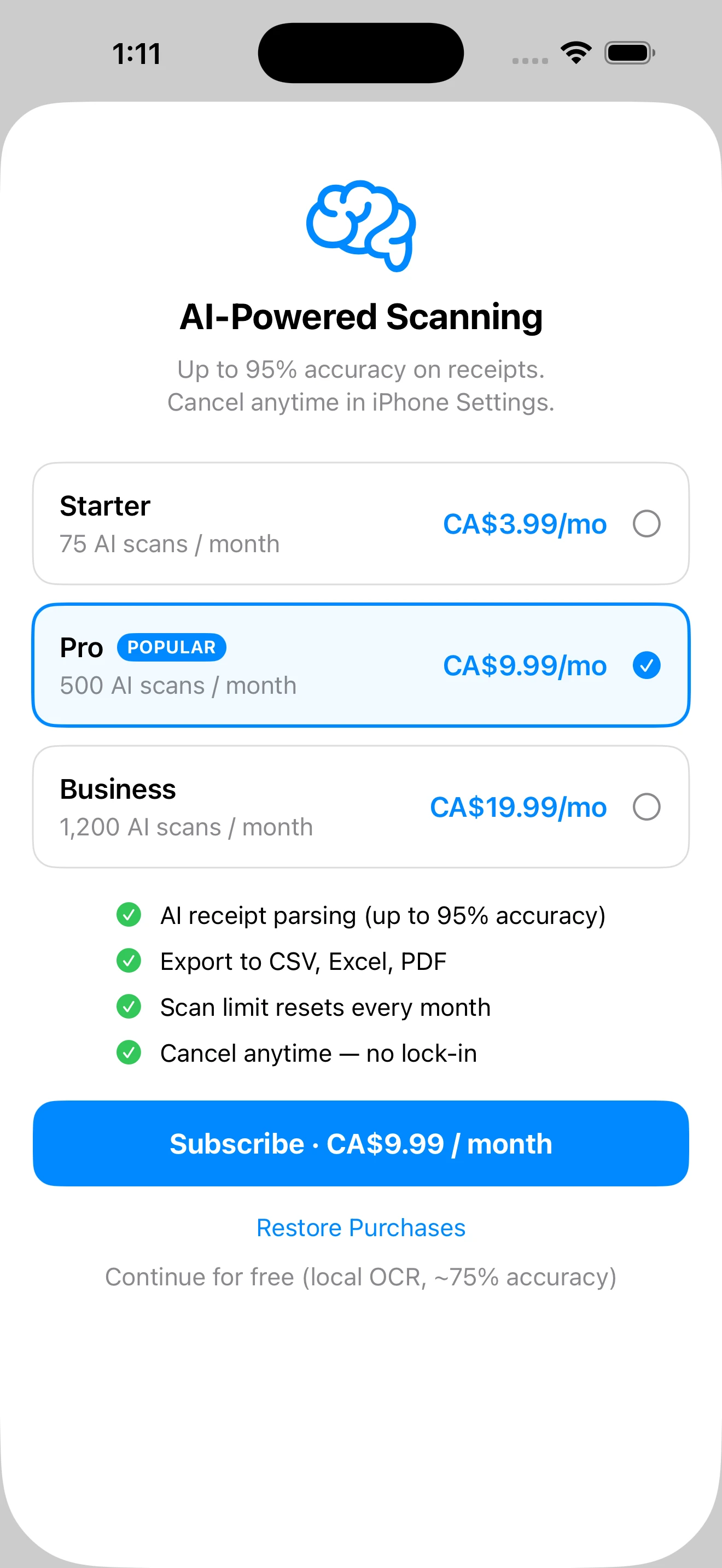
Free tier with on-device OCR. AI plans from $3.99/month. No surprise charges, no per-seat pricing, no enterprise sales call required.
🔒
Apps that sell your spending data
"Free" receipt apps monetize by selling your purchase history to advertisers. Your grocery bill shouldn't fund someone else's ad business.
🛡️
Your data stays yours. Always.
Free tier runs entirely on-device no receipt data ever leaves your phone. Paid AI tier sends only the text (never the image) for processing.
Features
Everything you need. Nothing you don't.
APODIX does one thing exceptionally well: turning a photo of a receipt into clean, organised, exportable data.
🤖
Advanced AI Engine
Paid plans use proprietary AI to read your receipts with up to 95% field accuracy, even on crumpled or faded paper.
📱
On-Device OCR (Free)
Free tier uses Apple's Vision framework entirely on your device. No internet required, no data sent anywhere. ~75% accuracy for standard receipts.
🗂️
Auto-Categorization
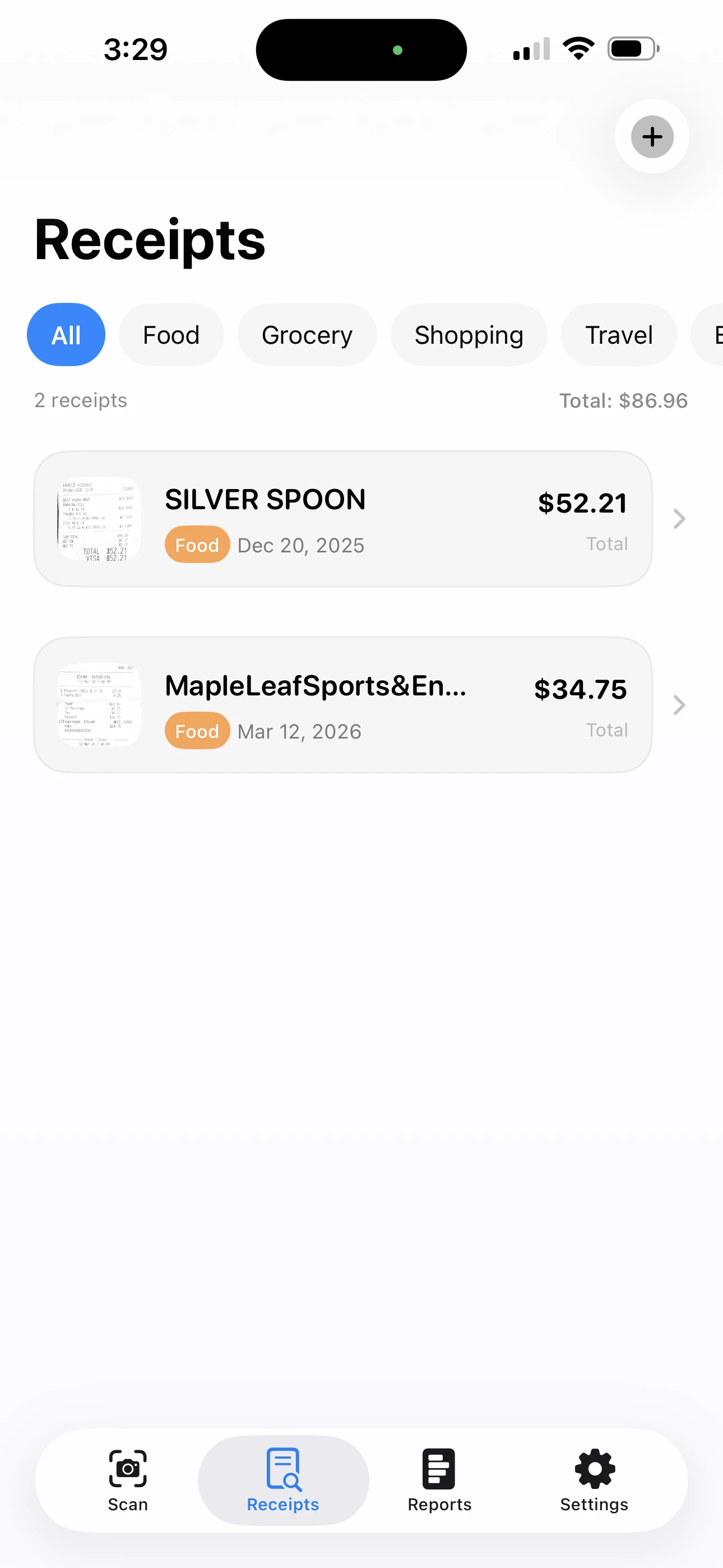
Receipts are automatically tagged: Food, Grocery, Shopping, Travel, Health, Entertainment. Edit any category in one tap.
📷
Multi-Page Scanning
Use your camera or import from your photo library. Batch-scan multiple receipts at once and review them all before saving.
📊
Spending Reports
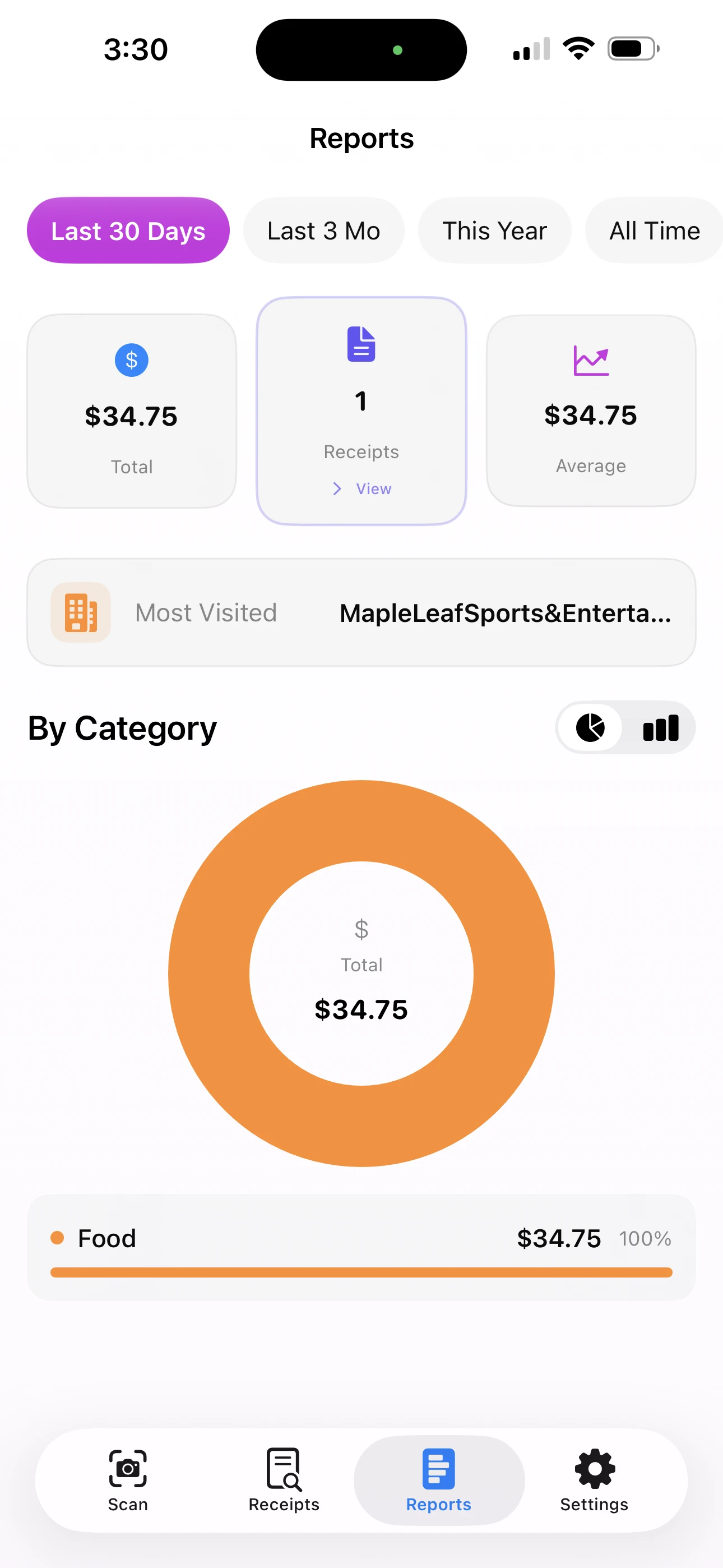
Monthly breakdowns, category charts, top merchants, and custom date ranges. Know exactly where your money is going.
💾
Export Anywhere
CSV export is always free. Your data is never locked in. Upgrade for Excel (.xlsx) and print-ready PDF reports, perfect for accountants and tax submissions.
How it works
From crumpled paper to clean data in 3 taps
No tutorials. No setup. Open the app, scan, save.
1
Point & Scan
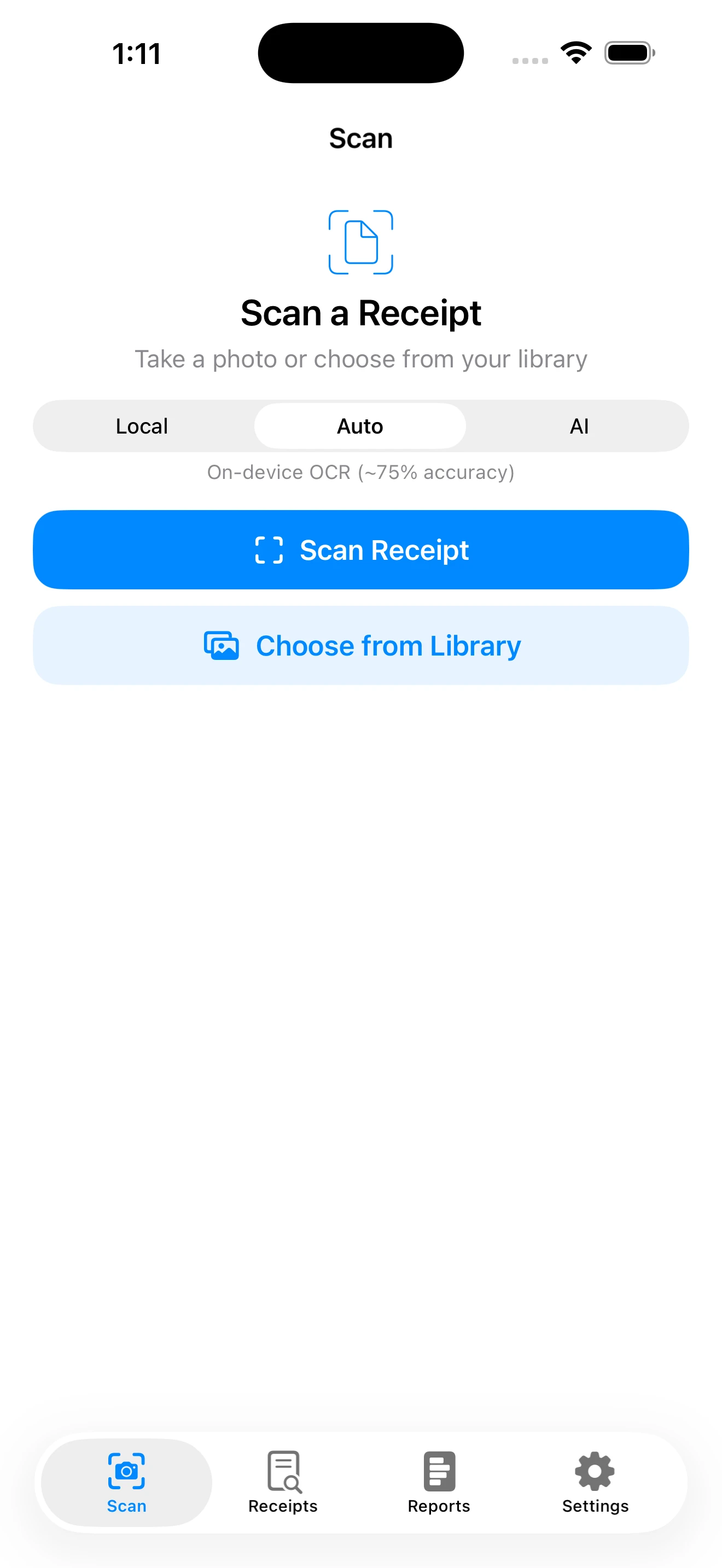
Tap "Scan Receipt" and hold your camera over any paper receipt restaurant, grocery, gas station, hotel. Or import a photo from your library.
2
AI Reads Everything
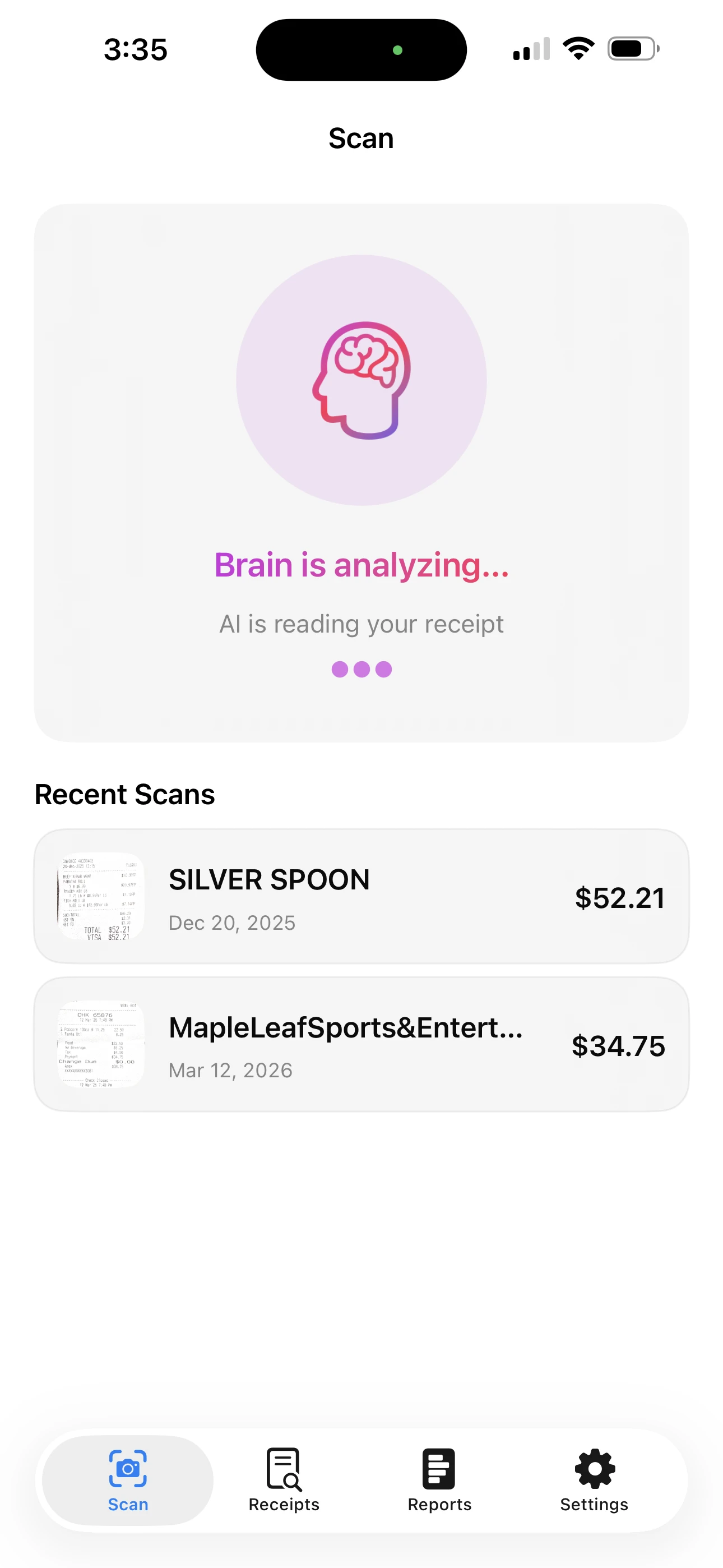
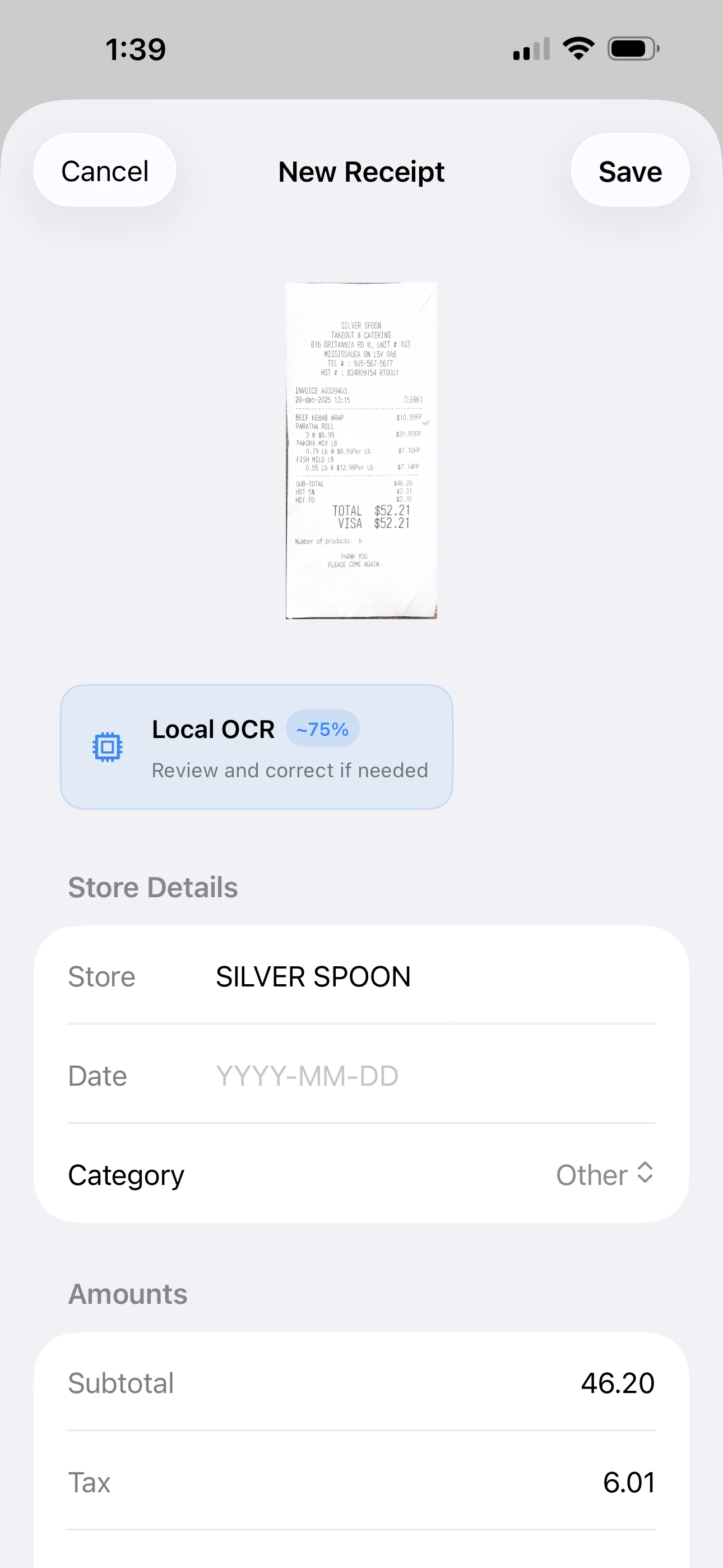
APODIX extracts the store name, date, subtotal, tax, and total automatically. The AI badge shows which engine was used and its accuracy level.
3
Review & Save
Glance over the extracted fields, fix anything if needed (rarely), tap Save. The receipt is stored with its photo, ready to search and export.
Scan
Comparison
Why APODIX wins
We looked at every major receipt scanner. Here's the honest breakdown.
APODIX
★ Best overall
9/9
Ex
Expensify
3/9
Dx
Dext
3/9
SR
Smart Receipts
5/9
Feature
APODIX
Expensify
Dext
Smart Receipts
Free tier available
✓
✗
✗
✓
AI-powered extraction
✓ AI
Basic OCR
Proprietary OCR
✗
On-device / offline scanning
✓
✗
✗
Partial
Starting price / month
Free
~$20 USD
~$30 USD
Free (limited)
AI plan price / month
$3.99 USD
$20–$36 USD
$30+ USD
$4.99 USD
Multi-currency support
✓
✓
✓
Limited
Export formats
CSV free · XLS & PDF paid
CSV only
CSV + PDF
CSV only
No data sold to third parties
✓
Policy unclear
Policy unclear
✓
Designed for non-accountants
✓
✗
✗
Partly
Reviews
What people are saying
★★★★★
"Finally a receipt app that doesn't make me fix everything manually. It got my Swiss restaurant receipt right date, CHF total, everything. Other apps just gave up."
M
Marcus T.Freelance consultant
★★★★★
"I was paying $30/month for Dext and getting maybe 70% accuracy. APODIX at $3.99 gets it right 95% of the time. The math isn't complicated."
S
Sarah K.Small business owner
★★★★★
"The batch scanning is a game-changer. I scan 20 receipts from a work trip in one session, review them all, save. My whole expense report done in 5 minutes."
A
Alex R.Account manager
Pricing
Honest pricing. No surprises.
Start free. Upgrade only if you need AI accuracy. Cancel anytime from your iPhone Settings. No hoops.
All prices in USD · Billed monthly · Cancel anytime in iPhone Settings → Apple ID → Subscriptions
FAQ
Common questions
Paid AI plans (Starter, Pro, Business) achieve approximately 95% field accuracy on standard paper receipts. The free tier uses Apple's on-device Vision OCR at approximately 75% accuracy. Accuracy varies by receipt quality crumpled, wet, or heavily faded receipts may score lower regardless of the engine used.
Free tier scanning happens entirely on your device no data leaves your phone. For paid AI scanning, only the extracted text (never the receipt image) is sent to our server for processing. We never sell, share, or advertise against your data. See our Privacy Policy for full details.
Yes. APODIX stores your receipt images alongside extracted data. CSV export is always free. Your data is never locked in. Excel (.xlsx) and PDF reports are available on paid plans, which is exactly what accountants and tax software need. Many users use APODIX specifically to prepare for tax season.
Your receipts stay on your device in the app. You can still view, search, and export everything on the free tier. You'll lose AI scanning on new receipts, but all your historical data remains fully accessible. We don't delete your data when you downgrade.
Yes. APODIX handles CHF, EUR, GBP, USD, CAD, JPY and more. It also recognises European date formats (DD.MM.YYYY), comma decimal separators, and VAT/MwSt/TVA tax labels. The AI engine is particularly strong on international and non-US receipts where other apps struggle.